 Adexo
Adexo Download Adexo Sim
Install it once, add your child, and start practising with the free sample papers. No Python or other software needed, no account, and no internet once it is installed.
Coming soon
The download is being prepared. Write to us and we will send you the installer link as soon as it is ready.
What you need
| Computer | Windows 10 or Windows 11 (64-bit) laptop or desktop |
|---|---|
| Space | About 400 MB of free disk space |
| Internet | Only to download it. Adexo Sim works fully offline. |
| Sound | Speakers or headphones if you want questions read aloud (optional) |
| Grades | Grades 1 to 3 |
How to install
- Download Adexo-Sim-Setup and double-click it.
- If Windows shows a blue box saying "Windows protected your PC", click More info, then Run anyway. This appears for new programs that Windows does not know yet; Adexo Sim is safe.
- Read and accept the licence agreement, then click Next until it says Finish. No administrator password is needed.
- Open Adexo Sim from the Start menu or the desktop.
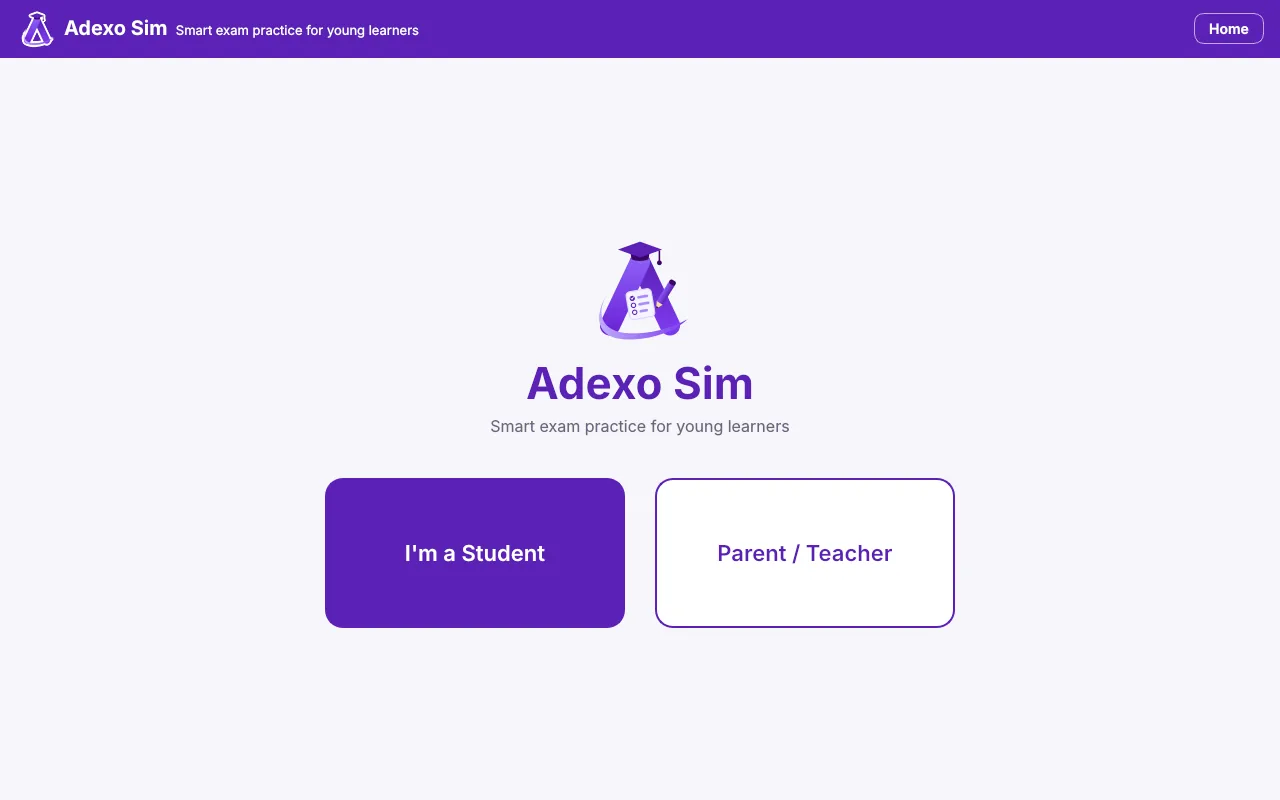
- Click Parent / Teacher, choose your Parent PIN and add your child.
- Your child clicks I'm a Student, picks their name and starts a test.
Updating later? Just install the new version over the old one. Your children's results
are kept.
Questions? See Help & questions or e-mail support@adexolearn.com.